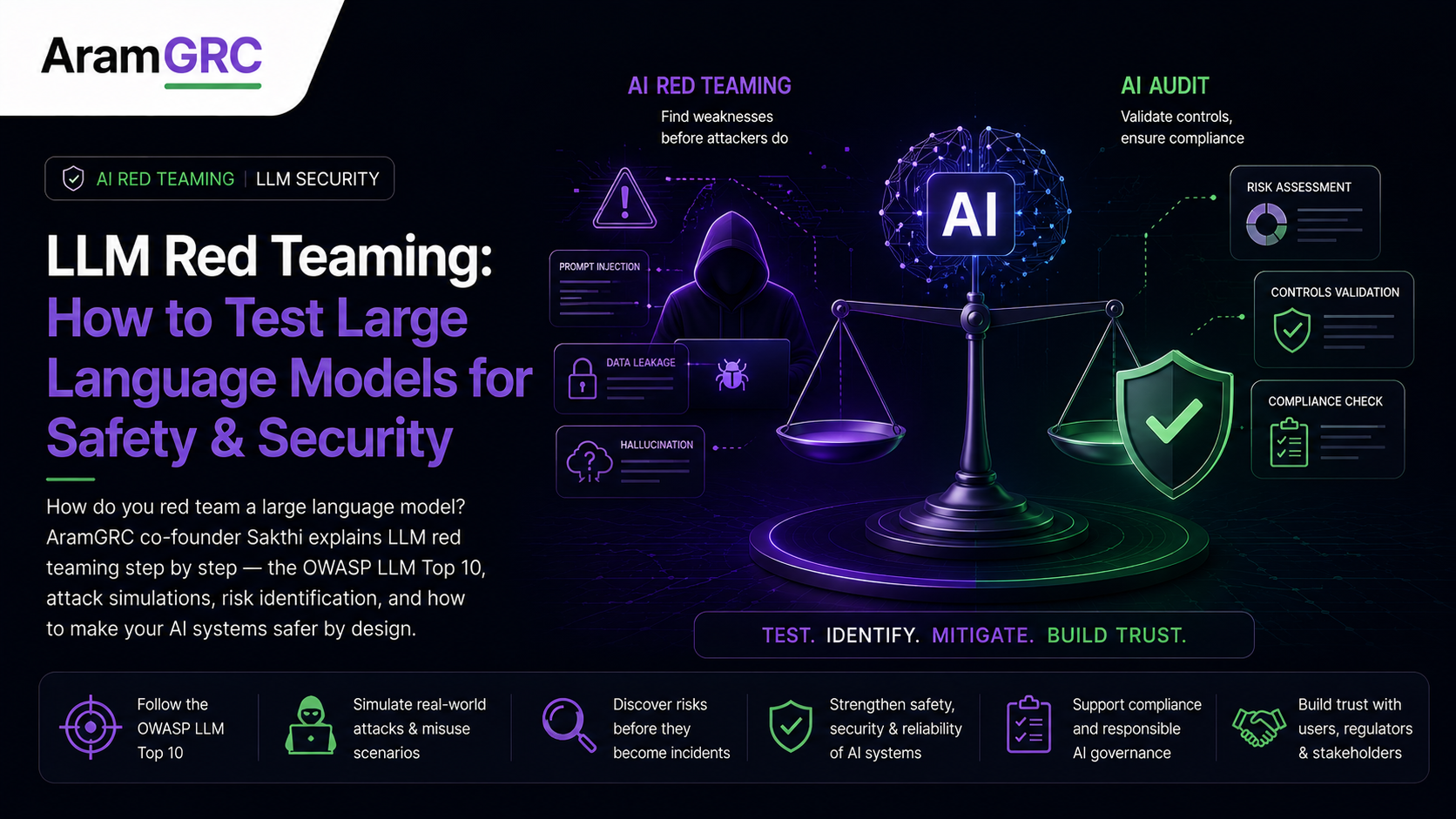
The system prompt said, in bold, “Never reveal internal pricing.” It took me one message — a request wrapped in a bit of role-play — to get the model to print the entire internal pricing table anyway. The team was stunned; they’d assumed the instruction was a rule. With large language models, an instruction isn’t a rule. It’s a suggestion the model will happily ignore if you ask the right way.
I’m Sakthi, one of the co-founders of AramGRC, and testing LLMs for exactly this kind of failure is a big part of what I do. LLM red teaming is its own discipline — different from testing normal software, because the attack surface is natural language and the system is non-deterministic. This is a practical, step-by-step guide to how we red team large language models for safety and security: the threats to look for, the process, the tools, and what “good” looks like.
What is LLM red teaming?
LLM red teaming is the practice of adversarially testing a large language model application — deliberately trying to make it produce unsafe, insecure, biased or policy-violating behaviour — to find weaknesses before attackers or real users do. It covers the model, the prompts, the data it retrieves (RAG), and the tools it can call. Unlike a benchmark, which measures average-case quality, red teaming targets the worst case: what can this system be talked into doing?
Key takeaway
With an LLM, the system prompt is not a security control. Anything the model can see, a user can try to override. Test accordingly.
Why LLMs are uniquely hard to test
Three things make this different from testing ordinary software:
- The attack surface is language. There’s no fixed set of inputs — anything a person can phrase is a potential attack, in any language, tone or encoding.
- It’s non-deterministic. The same prompt can pass ten times and fail the eleventh. One clean run proves very little.
- The risk lives in the whole system. The model reads documents, calls tools and acts through agents — so an attack can arrive through a retrieved file or a tool response, not just the chat box.
The LLM threat landscape: the OWASP LLM Top 10
The clearest map of what to test is the OWASP Top 10 for LLM Applications. In plain terms, the big risks are:
| Risk | What it means in practice |
|---|
| Prompt injection | Overriding the app’s instructions, either directly (“ignore your rules…”) or indirectly through content the model reads. |
| Sensitive information disclosure | Leaking system prompts, other users’ data, or memorized training data. |
| Insecure output handling | The app trusting model output and passing it into a browser, database or shell. |
| Excessive agency | An agent taking actions (calling APIs, sending mail, spending money) it shouldn’t. |
| Insecure plugin/tool design | Tools the model can call that aren’t properly scoped or validated. |
| Training-data poisoning & supply chain | Tainted data or components upstream of your model. |
| Model denial of service | “Denial of wallet” — forcing expensive or looping behaviour. |
| Overreliance | Humans trusting confident, wrong output in high-stakes decisions. |
A good LLM red team works through every one of these against your specific application, not a generic model.
How to test an LLM: the step-by-step process
1. Define scope and a threat model
What’s the app, who uses it, what’s the worst realistic outcome, and what’s off-limits? A support bot’s nightmare is data leakage; an agent’s is unauthorized actions. The threat model decides where you push hardest.
2. Set up access and a safe test environment
Get appropriate access (the app, ideally the system prompt and tool list), and test in an isolated environment so nothing you trigger touches real users or production data.
3. Run automated scans to cover ground fast
Start with tooling: Garak (open-source LLM vulnerability scanner), Microsoft PyRIT, promptfoo and Giskard will quickly probe for known jailbreaks, prompt-injection patterns, toxicity and leakage. Treat this as the baseline, not the finish line.
4. Manual adversarial testing, by category
This is where the real findings come from. Working through the OWASP categories, a human tester attempts, for example:
- Jailbreaks — role-play, hypotheticals, obfuscation and encoding to bypass safety rules.
- Direct prompt injection — instructions that try to override the system prompt.
- Indirect prompt injection — malicious instructions hidden inside a document, web page or email the model will read via RAG.
- Data leakage — coaxing out the system prompt, other users’ data, or connected documents.
- Harmful content — pushing the model to produce outputs it’s meant to refuse.
- Bias and fairness — realistic, context-specific inputs that surface discriminatory behaviour.
- Tool and agent abuse — talking an agent into calling a tool or taking an action outside its remit.
Responsible note: a real engagement documents these safely and privately for the client; we don’t publish working exploit prompts.
5. Multi-turn and chained attacks
The serious issues are rarely one prompt. They come from patient, multi-turn conversations and from chaining a small quirk plus a data source plus a tool call into a real exploit. Automated scanners almost never find these; humans do.
6. Evaluate and score
Because LLMs are non-deterministic, run attacks multiple times and record how reliably they succeed. Rate each finding by severity — how easily it triggers and how bad the impact — in your business and regulatory context, not just a generic score.
7. Report and retest
Write it up with reproduction steps and evidence, help the team remediate, and re-test to confirm the fixes actually hold under the same attacks.
Manual vs automated: use both, trust neither alone
Automated tools (Garak, PyRIT, promptfoo, Giskard) are essential for speed and coverage of known attacks. But they test generic patterns in isolation, miss your context, don’t chain findings, and go stale as new jailbreaks appear weekly. They find the known majority; expert humans find the dangerous, novel, chained attacks. And your own tools run on your own system aren’t independent evidence a buyer or regulator will accept.
Key takeaway
Automate to cover ground; bring in people to find the attacks the scanners have never seen.
What “good” LLM testing looks like
- It’s mapped to a framework (OWASP LLM Top 10, and where relevant NIST AI RMF and MITRE ATLAS).
- It tests the whole system — model, prompts, RAG sources, tools and agents — not just the raw model.
- It accounts for non-determinism by repeating attacks.
- It ends in a report with severity, reproduction steps, evidence and remediation — plus a retest.
When and how often should you red team an LLM?
Before launching any customer-facing or high-stakes LLM feature; after any major change to the model, prompt, tools or data sources; and then periodically, because both the model’s behaviour and the available attacks keep changing. LLM red teaming is a habit, not a one-time gate.
How we do it at AramGRC
We run independent LLM red teaming for AI product companies in India and the US — combining Garak/PyRIT-style automated coverage with deep manual adversarial testing across the whole system, mapped to the OWASP LLM Top 10, NIST AI RMF and the EU AI Act, and delivered as a report your engineers, customers and regulators can rely on.
Shipping an LLM app? Let’s try to break it first.
We’ll red team your large language model application across the OWASP LLM Top 10 and hand you a report you can act on and show to customers. For AI companies in India and the US.
Talk to the AramGRC team
Frequently asked questions
What is LLM red teaming?
LLM red teaming is adversarially testing a large language model application to make it behave unsafely, insecurely, biased or against policy — covering the model, prompts, retrieved data and tools — so weaknesses are found before attackers or real users find them.
How do you test an LLM for security?
Define a threat model, run automated scanners (Garak, PyRIT, promptfoo) as a baseline, then do manual adversarial testing across the OWASP LLM Top 10 — jailbreaks, direct and indirect prompt injection, data leakage, harmful content, bias and tool/agent abuse — including multi-turn and chained attacks, then score by severity and report with reproduction steps and a retest.
What is the OWASP LLM Top 10?
It’s a widely used list of the top security risks for LLM applications — including prompt injection, sensitive information disclosure, insecure output handling, excessive agency, insecure plugin/tool design, training-data poisoning, and model denial of service. It’s the standard reference for scoping LLM red teaming.
What tools are used for LLM red teaming?
Common tools include Garak (LLM vulnerability scanning), Microsoft PyRIT, promptfoo and Giskard, plus runtime guardrails like Llama Guard, NeMo Guardrails and Lakera. They’re best used alongside expert manual testing rather than as a replacement.
Is automated LLM testing enough?
No. Automated tools cover known attacks quickly but miss context-specific, novel and chained attacks, don’t test the workflow around the model, and go stale. Manual, expert red teaming on top of the tools is what finds the serious issues.
How often should you red team an LLM?
Before launching a high-stakes or customer-facing LLM feature, after any major change to the model, prompts, tools or data, and periodically thereafter — because both LLM behaviour and attack techniques change continuously.
About the author
Sakthi — Co-founder, AramGRC. AramGRC is an independent AI assurance partner. We help AI product companies in India and the US prove their systems are safe and trustworthy through AI and LLM red teaming and assurance reporting aligned to ISO/IEC 42001, the EU AI Act and NIST AI RMF.